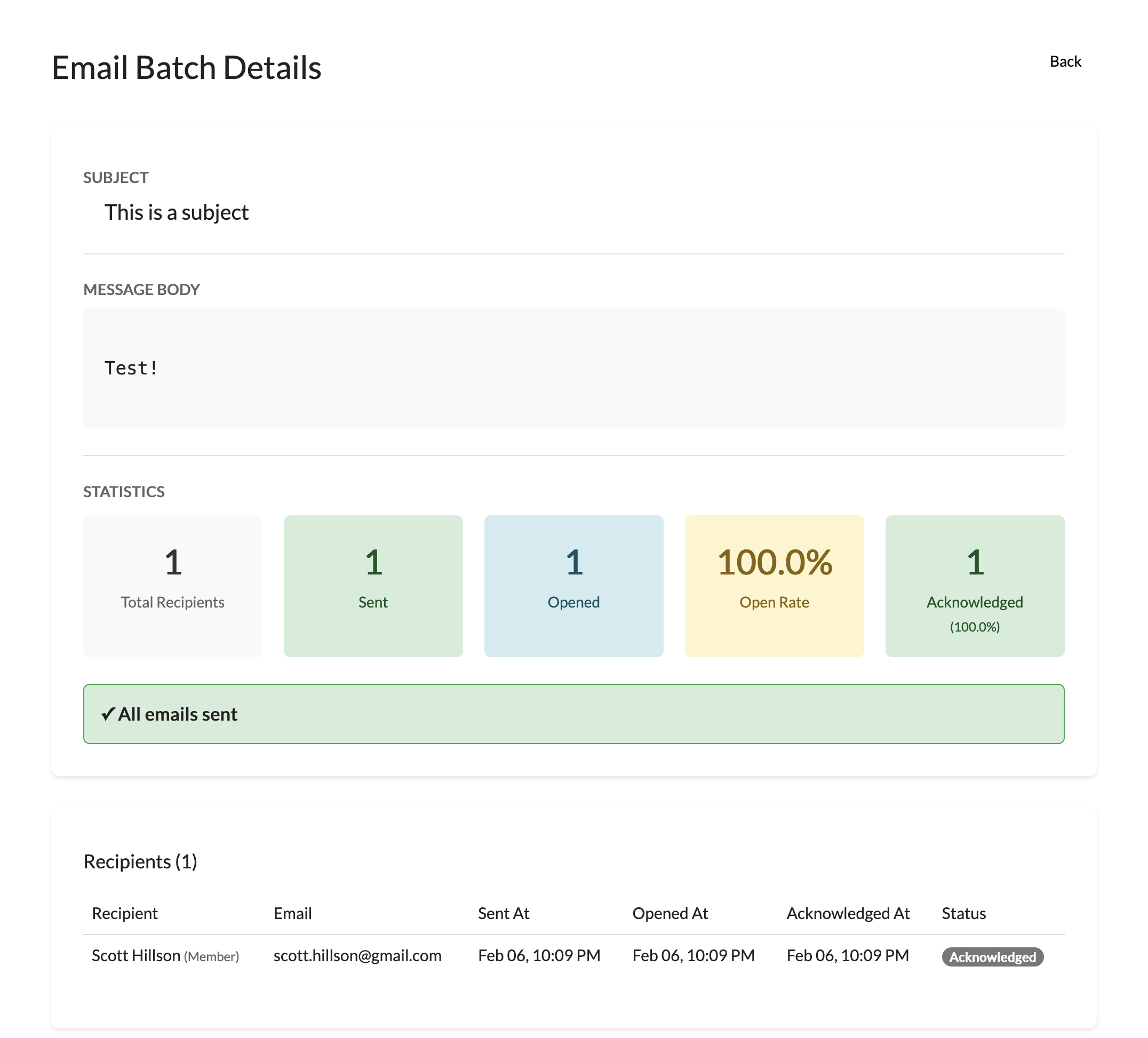
To send emails, choose the Send emails option in the admin dropdown
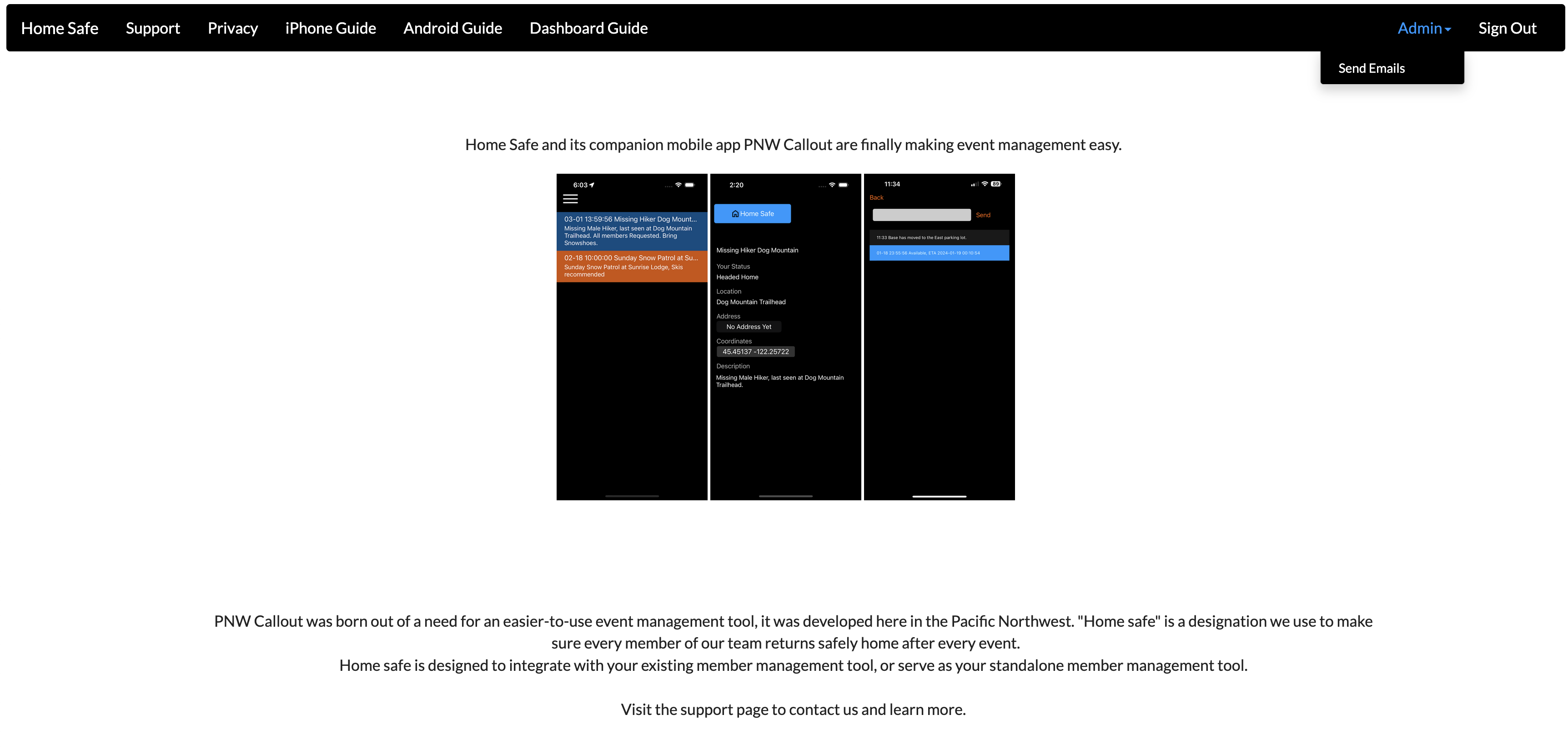
Choose New Email batch to send a new email
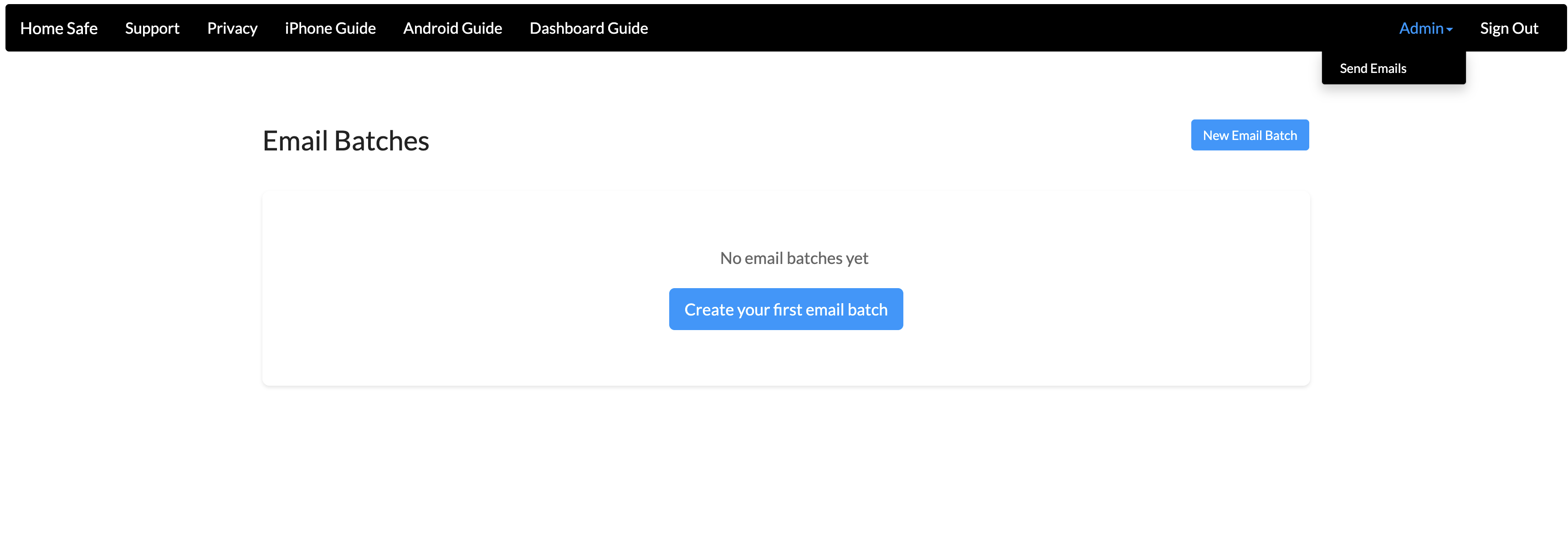
Give your email a subject and type your message
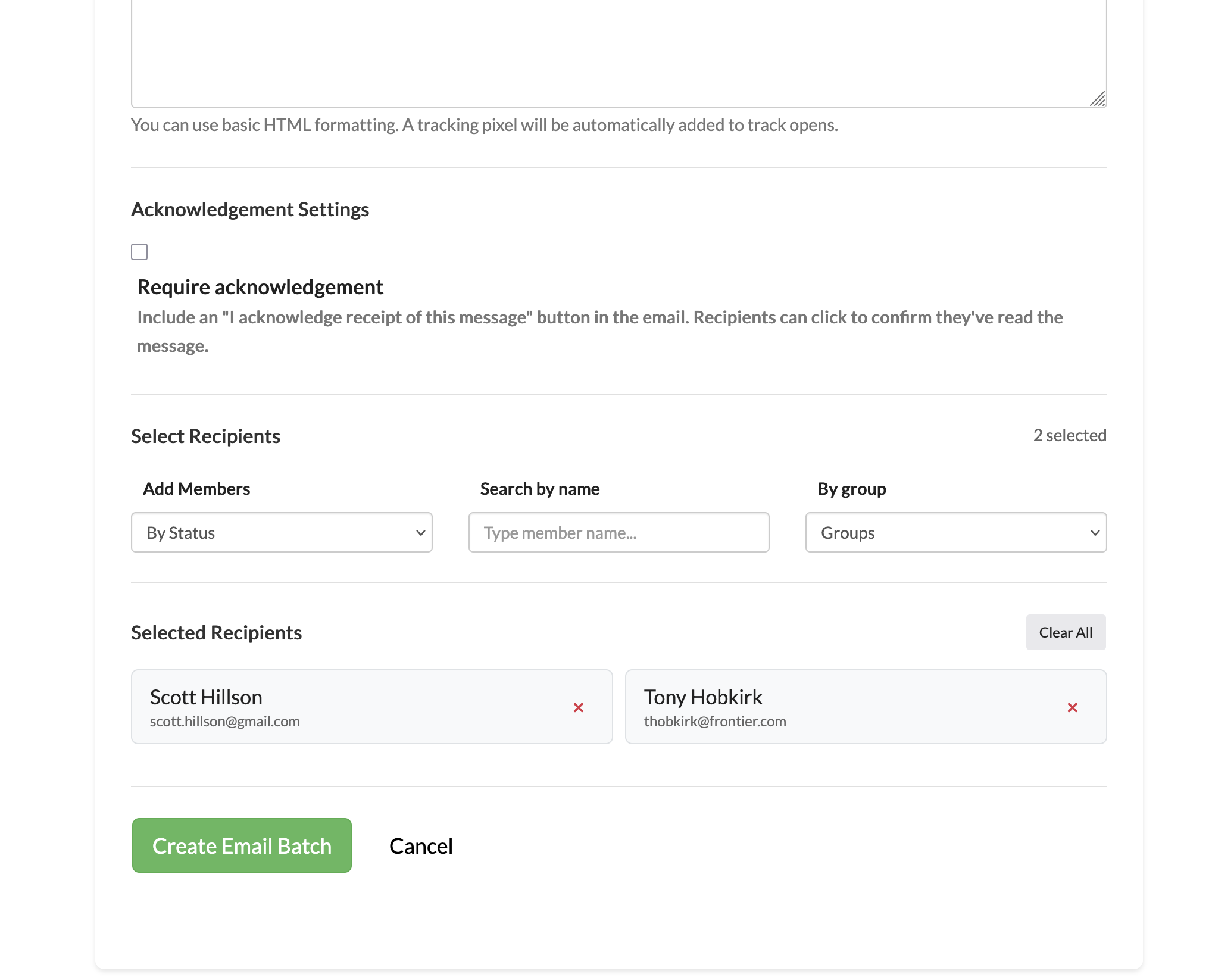
Add recipients by name, group, or status
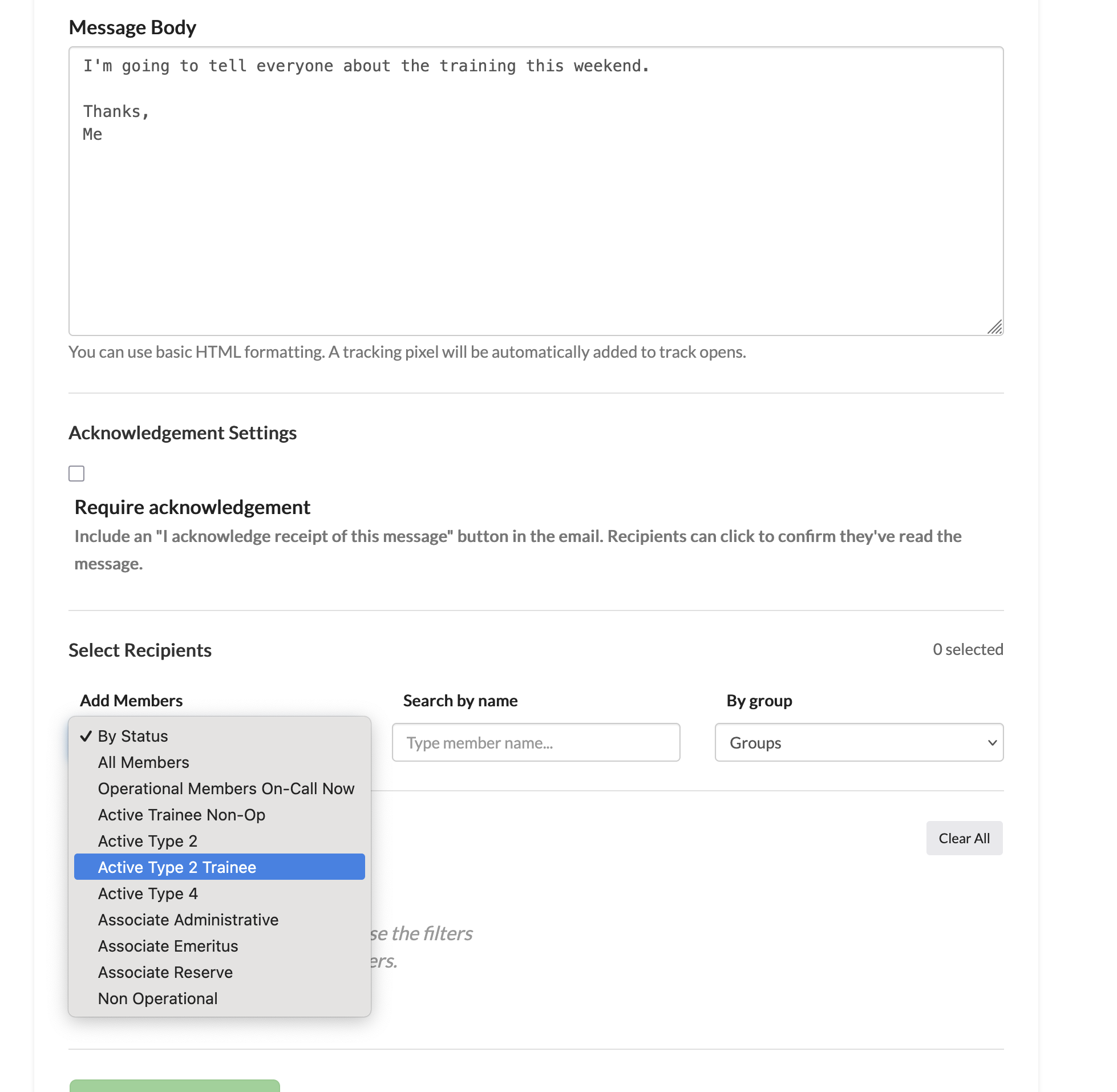
Optionally require acknowledgement if you want your recipients to confirm with you that they read your email
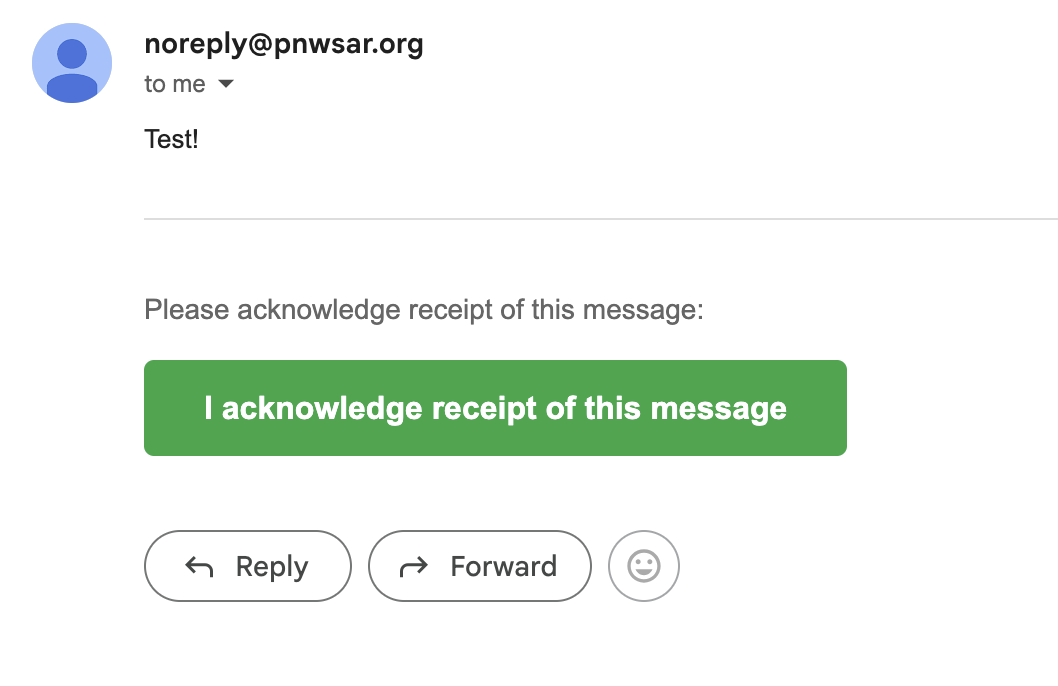
Here is what the email looks like with the required acknowledgement
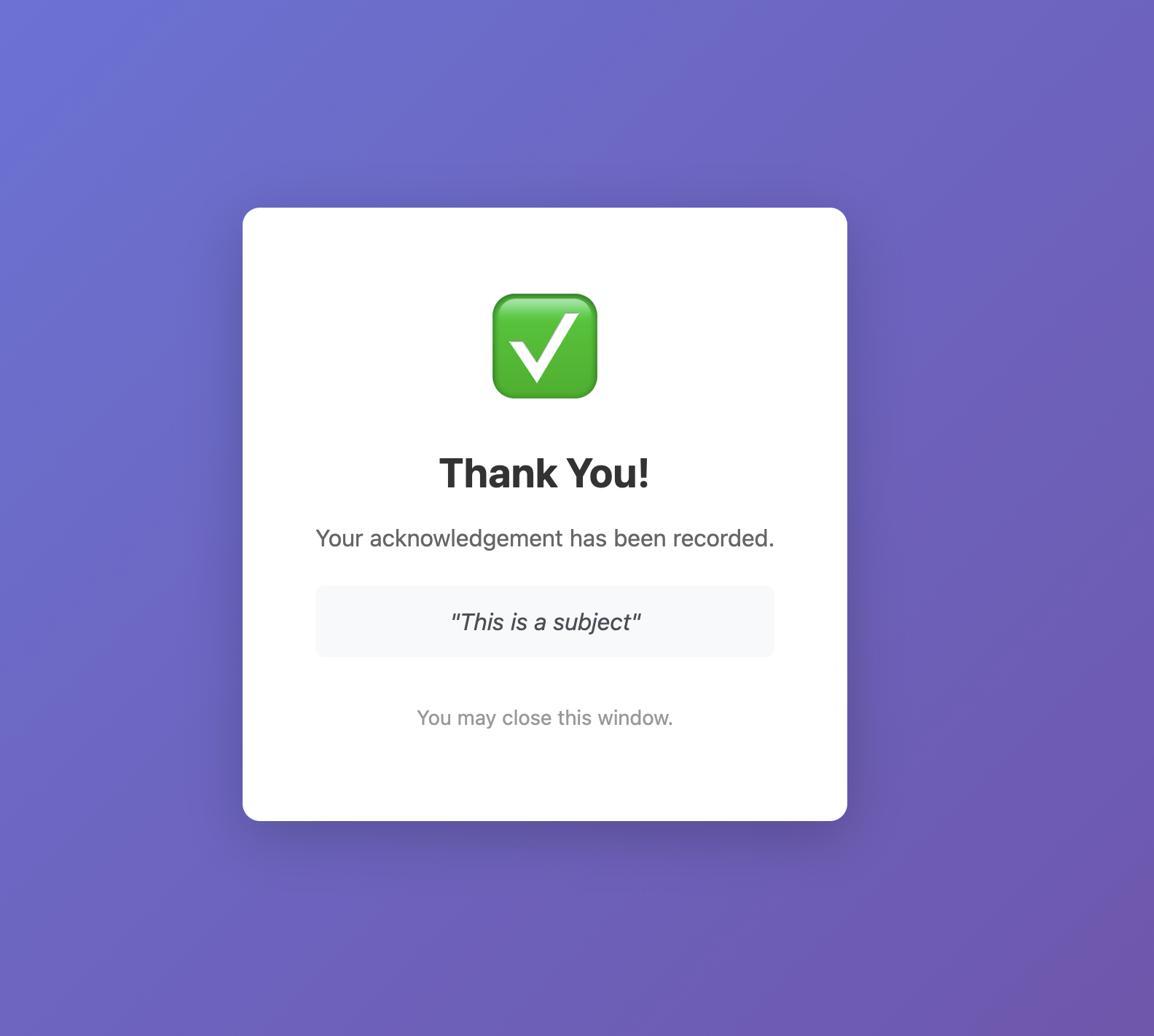
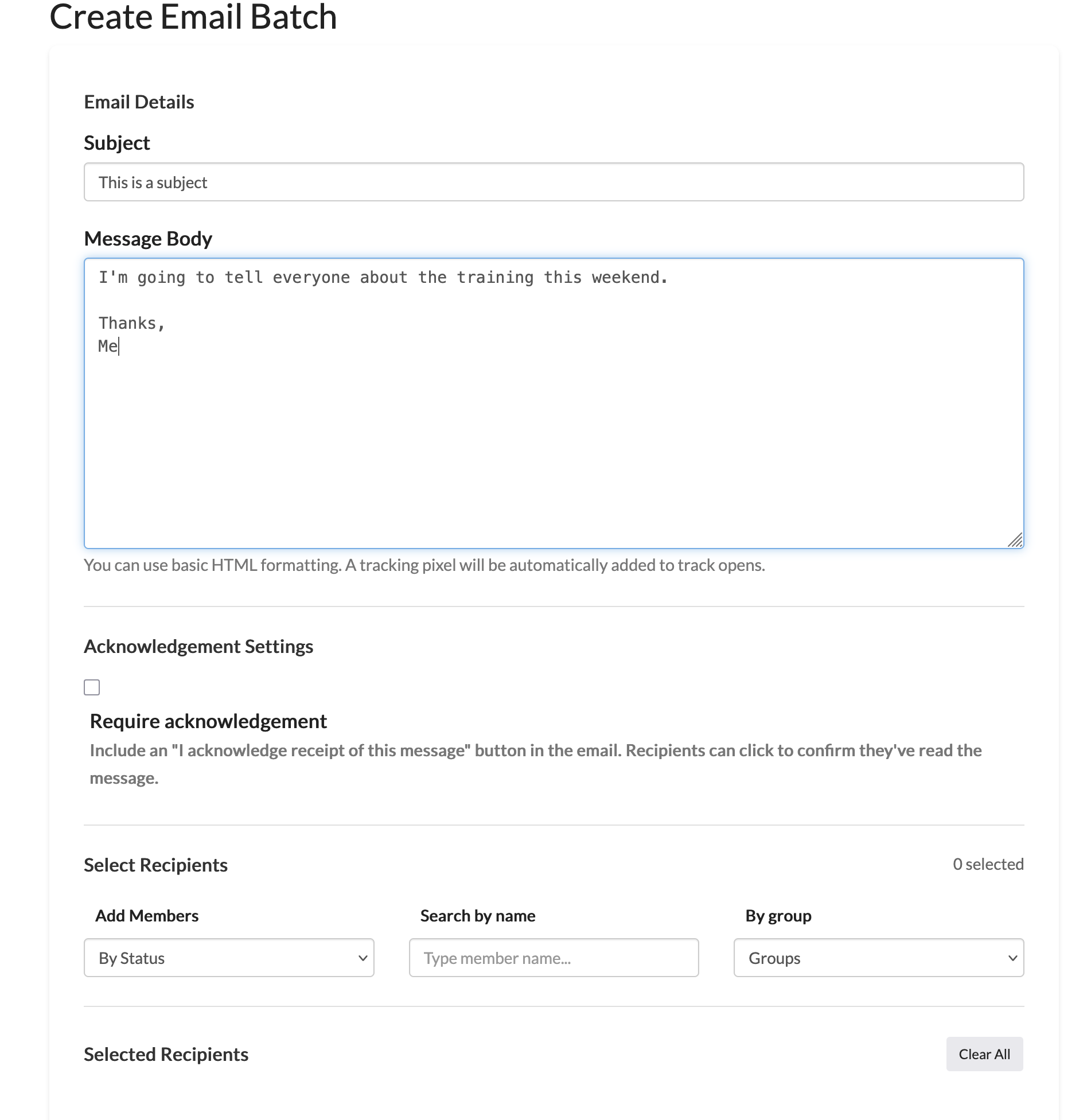
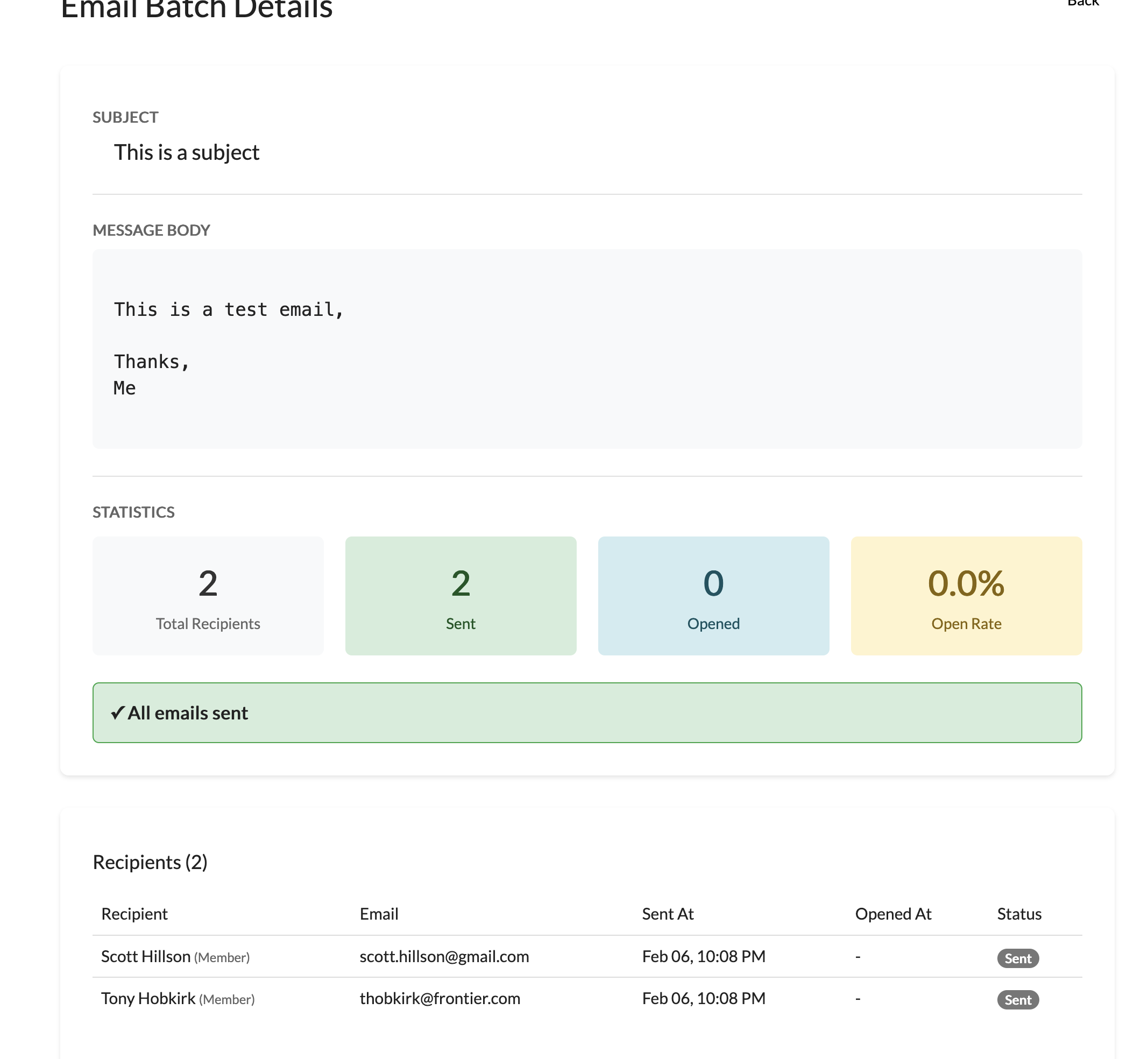
After you send the email, you can see how many recipients have received and opened it.
If you chose to include the acknowledgement, you can see who specifically acknowledged the email.